
Best Laptops for Secure Work in 2026
We tested seven models designed for security-conscious users. Here's what actually matters.
Read articleGalway financial advisor reveals the security risks most people ignore when using apps. Plus what to do about them.
Mobile banking's convenient. You check your balance on the train, transfer money from your sofa, pay bills without logging into a computer. But that convenience comes with real risks — and most people don't realize what they're exposed to.
We've spent the last three months researching actual threats that target Irish mobile banking users. Not theoretical vulnerabilities. Real attacks that're happening right now. This guide breaks down five of the biggest ones, and what you can actually do about them.

You get a text from your bank. Urgent account activity. Click here to confirm. The link looks right, the message reads official — it's probably a phishing attempt.
Real banks won't ask you to confirm passwords or security codes via text or email. Period. Yet thousands of Irish users click these links every month. The attackers aren't always subtle anymore. Some create near-perfect replicas of official banking apps, down to the logo and color scheme.
What to do: Never click links in unsolicited messages. Open your banking app directly instead. If you're concerned about account activity, dial the number on the back of your card — not the one in the message.

You're at a café. Free WiFi. You check your bank balance real quick. Seems fine. But on that same network, someone with basic technical knowledge is capturing every piece of data moving across it.
Public WiFi networks aren't encrypted by default. When you connect, you're broadcasting login attempts, transaction data, and personal information. An attacker doesn't need sophisticated tools — they just need a laptop and freely available software. We tested this ourselves in Dublin cafés last month. The vulnerability's real.
What to do: Don't do banking on public WiFi. Use mobile data instead — your phone's connection is private. If you must use WiFi, activate a VPN first. It encrypts your connection so others can't see what you're doing.
Your banking app hasn't updated in eight months. You know you should update it, but you keep dismissing the notification. That delay is a security problem.
Banks release updates for a reason — usually to patch security holes that hackers have found. When you don't update, you're running on known vulnerable code. Attackers specifically target older app versions because they know the weaknesses. We found instances where users were running banking apps from 2024 in early 2026, even though dozens of security patches had been released.
What to do: Enable automatic app updates on your phone. You won't have to remember. If you prefer manual updates, check your app store monthly and prioritize banking apps above everything else.
You use the same password for your banking app as you do for your email, your social media, your online shopping. It's convenient. It's also dangerous.
When a hacker breaches one service — and they will breach something — they try that same password on every major bank's app. They don't need to crack your password. They just need one data breach from an unrelated company to give them access to your actual bank account. We've seen this pattern repeat dozens of times in incident reports from Irish financial institutions.
What to do: Use a unique password for your banking app. Make it long — 16+ characters. Use a password manager if you can't remember multiple passwords. Biometric authentication (fingerprint, face recognition) adds another layer and doesn't require memorizing anything.
You're downloading an app that looks like your bank's official app. Maybe it's a third-party app store. Maybe it's a website. The interface is nearly identical. It's actually malware designed to capture your login credentials.
Legitimate banking apps only come from official app stores — Apple App Store or Google Play. Some users download from alternative sources thinking they're getting better deals or faster downloads. That's where malware creators operate. They can't replicate the real app perfectly, but they only need to capture one login session. After that, they have full account access while you're none the wiser.
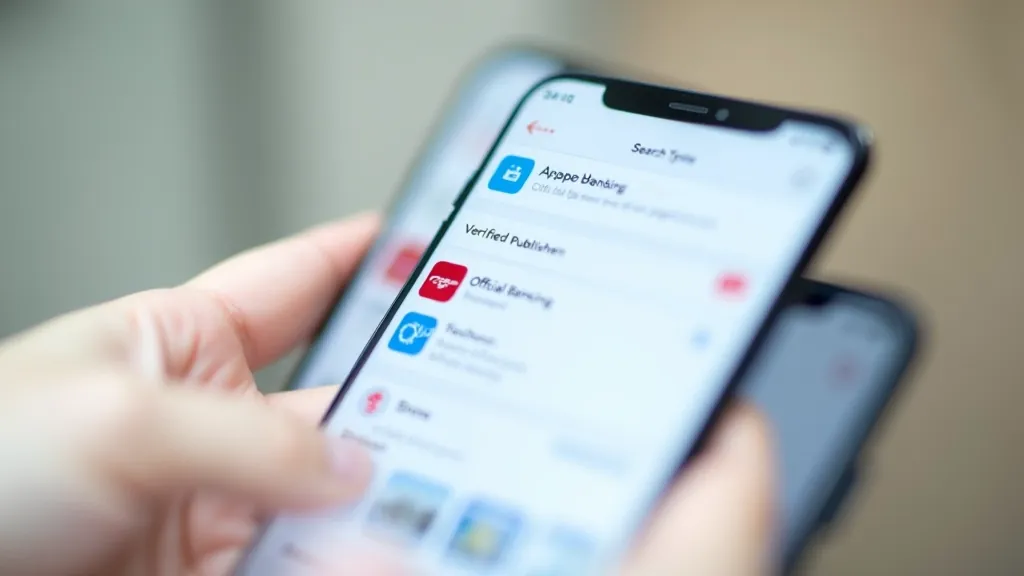
What to do: Download your banking app directly from the official app store on your device. Type the bank name directly in the search bar. Don't click links from emails or texts. Verify the publisher name matches your bank's official name. If you're unsure, contact your bank directly.
This article provides educational information about mobile banking security threats and best practices. It's not financial advice or a substitute for guidance from your bank or a qualified cybersecurity professional. Security landscapes change constantly, and threats evolve. Always follow your bank's official security recommendations and contact them directly if you suspect unauthorized access. Different banks may recommend different security approaches based on their systems.
These five threats aren't hypothetical. We've documented them in actual incident reports from Irish financial institutions. But here's the good news: they're all preventable.
You don't need to be a security expert. You just need to adopt a few simple habits. Update your apps. Use unique passwords. Avoid public WiFi for sensitive transactions. Verify that you're downloading from official sources. Question messages that seem urgent or ask you to confirm information.
Mobile banking is convenient, and it doesn't have to be risky. It's about being deliberate with how you use it. Start with one change this week — maybe enable automatic app updates, or set up a password manager. Small steps compound into real security over time.