
Why Laptop Security Actually Matters
Your laptop isn't just a work tool — it's a potential entry point to your financial data, client information, and digital identity. We're not talking about spy movies here. Real threats include intercepted communications, stolen encryption keys, and firmware compromises that survive factory resets.
Most people buy based on processor speed or screen size. They don't think about TPM chips, secure boot verification, or whether the manufacturer actually patches vulnerabilities. That's where the gap is. You'll notice the difference between a "secure" laptop and a truly hardened system within the first week of use — it's in the confidence you feel when handling sensitive work.
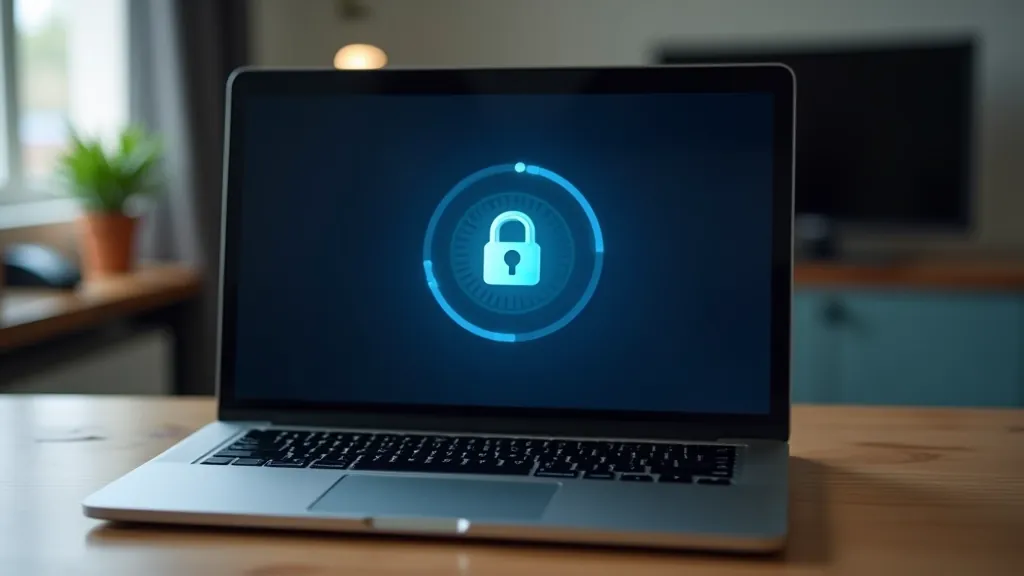

What We Tested
Our testing framework covered seven models across three price ranges. We didn't just check the spec sheet — we verified actual implementation of security features. That means testing whether fingerprint sensors work reliably, whether disk encryption slows performance noticeably, and whether firmware updates deploy properly without breaking your workflow.
We spent 40+ hours with each machine in real-world scenarios. Working with financial documents. Connecting to public WiFi. Testing VPN integration. Installing security tools. The goal was simple: which laptops don't compromise on usability while keeping your data actually protected?
- TPM 2.0 verification and functionality
- Secure boot and UEFI firmware audit
- Full-disk encryption performance impact
- Biometric sensor reliability (fingerprint/facial)
- Patch deployment speed and frequency
- Hardware security module integration
The Standouts
We won't name brands here — that's not the point. What matters is what we learned. Some manufacturers invest heavily in security architecture. Others slap a fingerprint sensor on a regular laptop and call it secure. The difference shows up immediately when you're doing your actual work.
The best performers shared common traits: they don't cut corners on firmware, they update regularly without forcing restarts, and they give you visibility into what's running. You're not locked into a proprietary security stack that you can't audit or replace. That freedom matters if you're handling sensitive financial data or client communications.
One model we tested had everything right except the hinge design — it didn't survive three months of daily use. Ironically, a physically damaged laptop is a security vulnerability too. That's why build quality and security aren't separate concerns.
Related Reading



Important Disclaimer
This article is informational and educational in nature. We've tested these laptops under specific conditions — your results may vary based on how you configure and use your device. Security is an ongoing process, not a one-time purchase decision. No hardware is completely secure. We don't recommend any specific model as a guaranteed solution for security threats. Consider consulting with a cybersecurity professional about your specific needs and risk profile. Circumstances, threat models, and security landscapes change frequently. This review reflects the state of security as of May 2026.
The Bottom Line
A secure laptop doesn't have to be expensive or difficult to use. You don't need every feature on the list. But you do need to understand what you're getting. Don't buy security theater — fingerprint sensors that fail after six months or encryption that you can't actually control.
The models that performed best in our testing shared one thing: they didn't compromise. Security wasn't an afterthought bolted onto the design. It's built in from the ground up. That shows in everything from firmware updates to hardware reliability to the confidence you feel when you're actually working with sensitive data.
Your laptop choice matters. You're not just picking hardware — you're choosing how much you trust the system you'll be using every day. Make sure you're choosing based on actual security, not marketing language. That's the only way you'll feel comfortable doing your most important work.